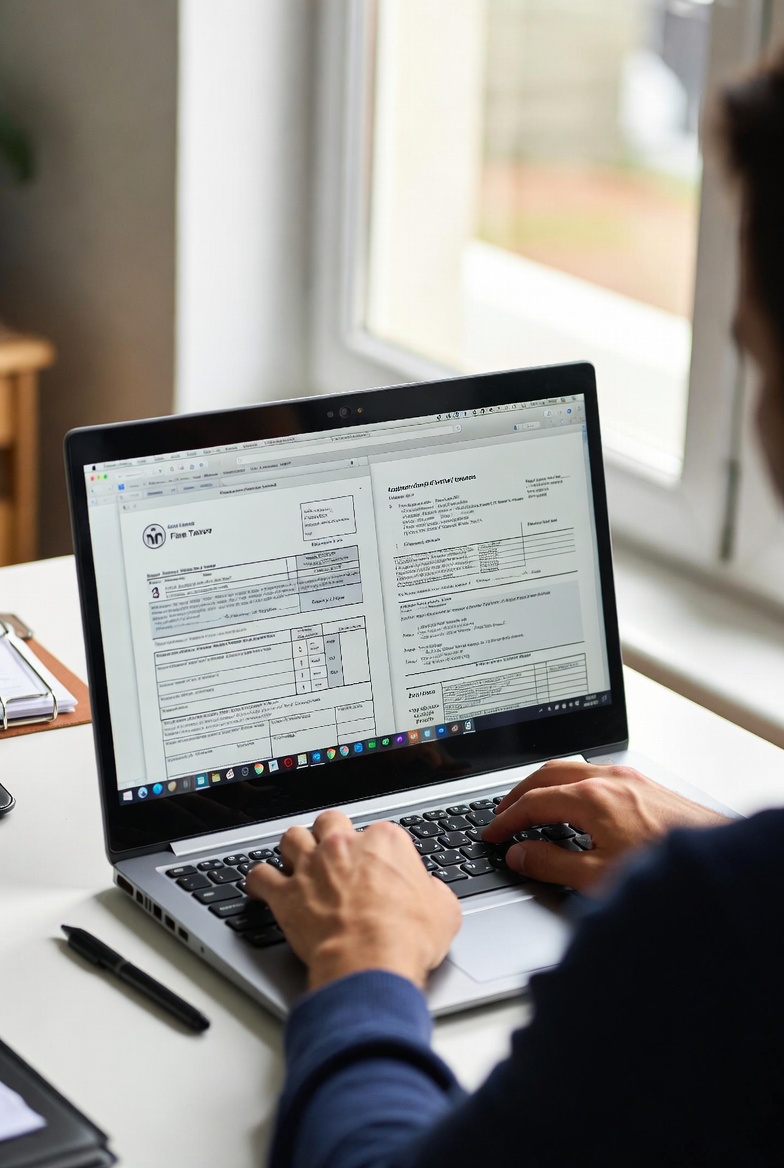
Online tax filing
The reality is very different. Once you understand the flow, submitting GST or VAT online becomes a routine task—something you can complete without panic, phone calls, or last-minute stress. This guide explains the process in a straightforward way, using plain language and real-world logic.
What This Guide Covers
No legal jargon. No overcomplication.
What Does Submitting GST/VAT Online Mean?

Calculate your taxes
- How much tax you collected from customers
- How much tax you paid on business expenses
- The difference between the two
If you collected more than you paid, you owe tax. If you paid more than you collected, you may get a credit or refund.
Who Needs to Submit GST or VAT Returns?
You usually need to file GST or VAT returns if:
- Your business is registered for GST or VAT
- Your turnover crosses the legal threshold
- You charge tax on sales
Important
Even if you had no sales during a period, you may still be required to submit a return. Skipping it can lead to penalties.
Why Online Submission Is the Preferred Method
Most tax authorities now require or strongly encourage online filing because it:
- Reduces calculation errors
- Processes returns faster
- Keeps records organized
- Makes compliance easier
For businesses, online submission saves time and avoids unnecessary visits to tax offices.
What You Should Prepare Before Submitting
This step determines whether filing will be smooth or stressful. Before logging in, make sure you have:
- Your GST/VAT registration number
- Sales records for the period
- Purchase invoices showing tax paid
- Expense records
- Internet access and login credentials
Important
Trying to file without records almost always leads to mistakes.
How to Submit GST/VAT Online (The Practical Way)
1
Log in to the Official Tax Portal
Use only the government-approved GST or VAT website. Avoid third-party sites unless they are officially authorized.
If you can't log in, fix this early—don't wait until the deadline.
2
Select the Correct Return Period
Choose the month or quarter you're filing for.
Common Error
This sounds simple, but selecting the wrong period is one of the most common errors.
3
Enter Sales Details
You'll usually need to enter:
- Total taxable sales
- Zero-rated or exempt sales (if applicable)
- Output tax collected
Helpful Tip
Most portals auto-calculate totals once data is entered.
4
Enter Purchase and Expense Details
This is where you report tax you've already paid on:
- Inventory
- Supplies
- Services
- Business expenses
Only include invoices that meet legal requirements. Personal expenses don't belong here.
5
Review the Tax Summary
The system will show:
Tax Summary
Output Tax (Collected)[Amount]
Input Tax (Paid)[Amount]
Net Tax Payable/Refundable[Amount]
Take your time here. A quick review can prevent long-term problems.
6
Submit the Return
Once you're confident:
- Submit the return
- Save or download the confirmation receipt
Keep Your Receipt
This receipt is proof that you filed on time.
7
Pay Tax or Carry Forward Credit
If tax is due, pay it using the available online options.
If you have excess input tax, it may be carried forward or refunded, depending on local rules.
What If You Had No Sales?
Many business owners get confused here. In most systems:
- You still need to file a return
- You submit a "nil" or zero return
Important
Not filing at all is worse than filing a zero return.
Common Mistakes to Avoid When Filing GST/VAT Online

Avoid common errors
- Filing after the deadline
- Reporting incorrect figures
- Claiming tax on invalid invoices
- Mixing personal and business expenses
- Ignoring nil returns
Key Insight
Most issues come from rushing, not complexity.
Is Submitting GST/VAT Online Safe?
Yes—if you use official portals.
Tax websites use secure systems similar to online banking. Problems usually happen when:
- Login details are shared
- Public computers are used
- Fake websites are accessed
Basic caution goes a long way.
Should You File GST/VAT Yourself or Hire Help?
Many small businesses file on their own once they understand the system.
You may consider professional help if:
- Transactions are high in volume
- You deal with multiple tax rates
- Errors keep happening
- You don't have time
Some owners handle regular filing themselves and consult professionals occasionally.
Create a Simple GST/VAT Calendar
Late returns and payments are among the most common reasons businesses face penalties. A simple compliance calendar prevents them.
- List every filing period: monthly, quarterly, or annual, depending on your registration.
- Add filing and payment deadlines to your calendar with reminders a week and two days before.
- Set aside tax as you go: move the tax portion of each sale into a separate savings account so the money is ready when payment is due.
- Reconcile monthly: check sales and purchase records against bank statements, even if you file quarterly.
- Watch thresholds: if your turnover is close to the registration threshold, track it monthly so you register on time.
If you know you'll miss a deadline, contact your tax authority before it passes. Many offer payment arrangements, and early contact usually leads to better outcomes than silence.
As your business grows, review whether accounting software that connects directly to your tax authority could save time. Many systems now calculate returns automatically from your records, reducing manual errors. Whatever tools you use, keep a clear audit trail of invoices and receipts so you can explain every figure in your return if asked.
Final Thoughts
Submitting GST or VAT online isn't about being perfect—it's about being consistent and accurate.
Once you understand the flow, it stops feeling like a burden and starts feeling like routine maintenance for your business. The earlier you build good habits, the easier every future filing becomes.
If you're registered for GST or VAT, timely online submission isn't optional—but it can be stress-free.